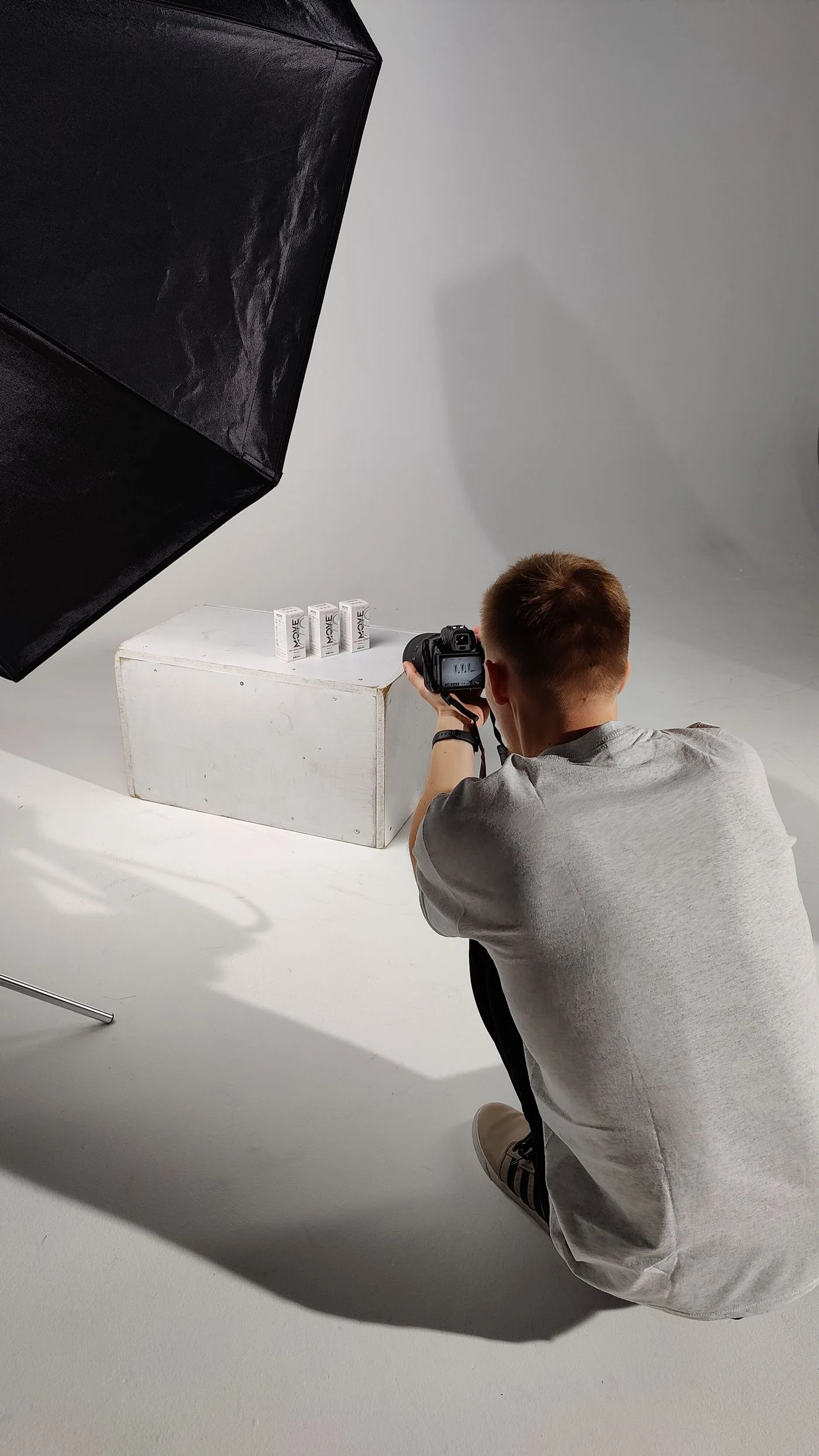
A relevant image answers a question that words alone would explain less directly. It might show a material finish, a working stage or the scale of a product. A general meeting photograph does not automatically perform that role simply because the page concerns a business.
Before searching, write down what should be recognizable. For an upholsterer, it may be the construction of a seam; for a delivery service, the kind of goods transported. This decision helps prevent an attractive but unrelated photograph from becoming the default choice.
Compare the subject with the claim
Check the photograph against the specific text beside it. Does it show the material described or only something similar? Is the tool plausible for the working stage shown? A polished image can still give an inaccurate impression of the service.
Own-project photographs need appropriate context and permissions. For stock photography, verify the permitted use. An image search provides results, not automatic permission for commercial publication. Meet the licence conditions or choose a different image when the requirements do not suit the project.
Do not present stock photographs as your team, premises or completed work. Make their illustrative role clear where confusion is otherwise likely. An actual project photograph is often the stronger choice for a specific case description.
Consider every crop
An image may appear wide in an article and square in a listing card. Inspect both crops. If the important detail disappears, the photograph is unsuitable for that use or needs a different focal position. The same file can be technically present while its meaning is lost in the thumbnail.
Avoid relying on text embedded in an image when it becomes unreadable on a phone. Opening hours and service details should also exist as ordinary page text. They then remain available if the photograph fails to load or is not visible to the reader.
For separate articles, do not merely choose different files containing almost identical scenes. Ask what distinct information each image contributes. A collection can feel coherent without illustrating every topic with the same generic meeting.
Finally, open the actual page on small and large screens. Check sharpness, cropping and the relationship between the image, heading and caption. Make the final selection in the context where visitors will see the picture, not only inside an image library. A photograph earns its place through the information it adds to this particular page.