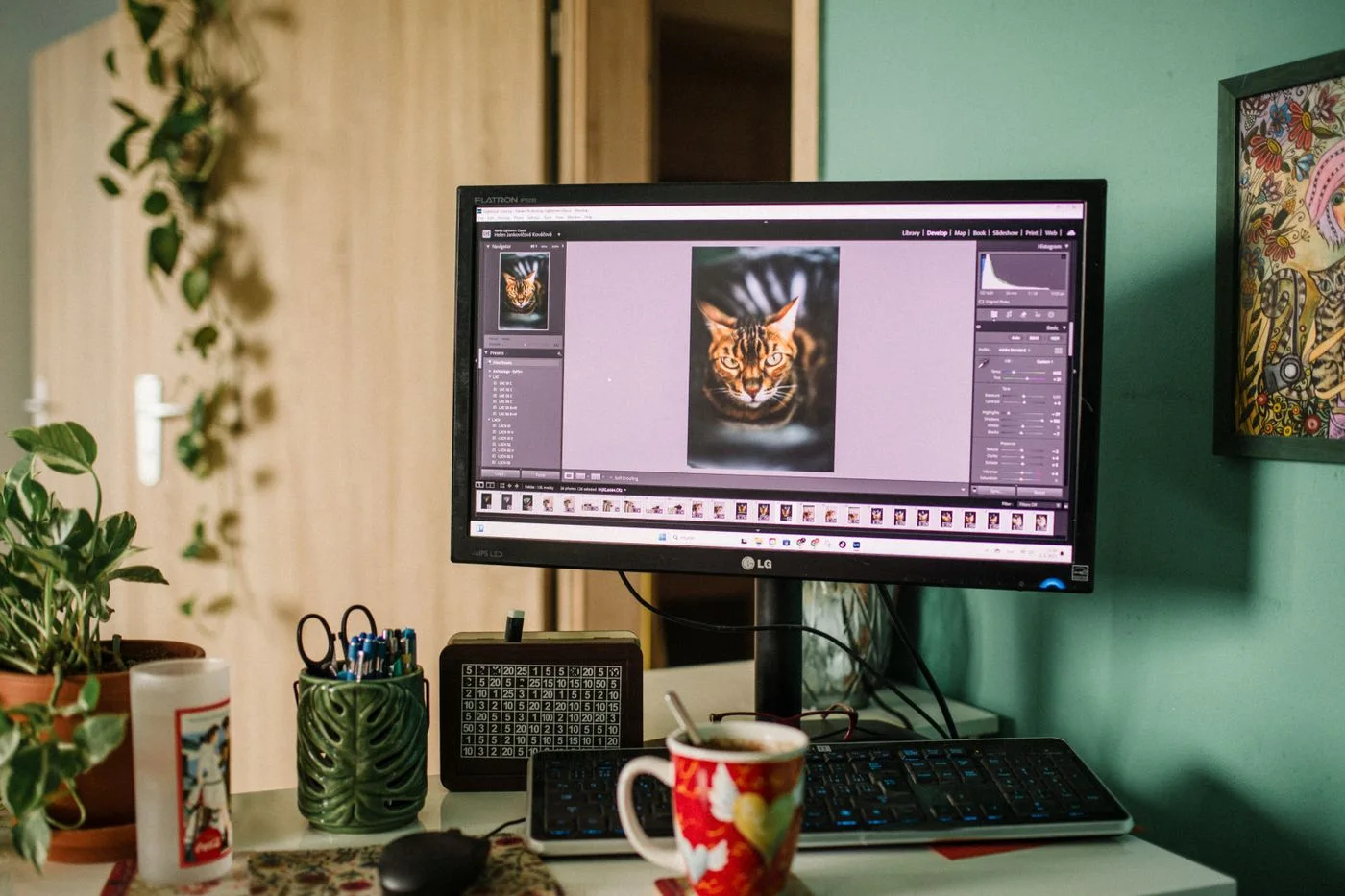
A full-resolution original photograph does not need to be sent to every smartphone. Conversely, making the file tiny is not a solution if it becomes visibly blurred on larger screens. Preparation should begin with the image areas actually used by the website.
Record each use: a wide article image, a small listing card or a detail view. These placements may need different resolutions and crops. Keep the original separately so future versions do not have to be generated from an already reduced file.
Separate dimensions from file weight
Pixel dimensions describe the available image information. File weight affects how much data is transferred. Two images with identical dimensions can produce very different file sizes because of their format, content and compression. A fixed kilobyte ceiling for every photograph is therefore not a complete quality measure.
Export a version suited to its intended display area and compare it with the original in a browser. Look at fine edges, lettering and smooth tonal transitions. Increase compression only while the information that matters remains intact. A product detail should not disappear into visible compression artefacts.
Offer suitable versions
The web.dev introduction to responsive images explains how srcset and sizes provide source options and display information so the browser can choose a resource. Those descriptions need to match the real layout; supplying a list of files is not sufficient by itself.
If a narrow screen needs a different crop, treat that as an editorial decision. Check whether the subject remains visible. An automatically centred crop may remove the hand, tool or product component that the article is explaining.
Provide appropriate width and height information, or a correct aspect ratio, in the implementation. Check for unexpected layout movement during loading. The surrounding text should not suddenly move a long distance when an image arrives.
Then open a narrow view and inspect the resource actually loaded using browser tools. A small visible frame does not prove that a small file was transferred. Review the wide view and a magnified display too. Test the thumbnail separately if its shape differs from the article image.
For ongoing maintenance, establish a clear export process: retain the original, name variants consistently, review visible quality and test the embedded paths. This reduces the chance that an uncompressed original is accidentally reintroduced during a later replacement. The goal is to preserve the information the photograph conveys while avoiding unnecessary transfer and unsuitable crops.