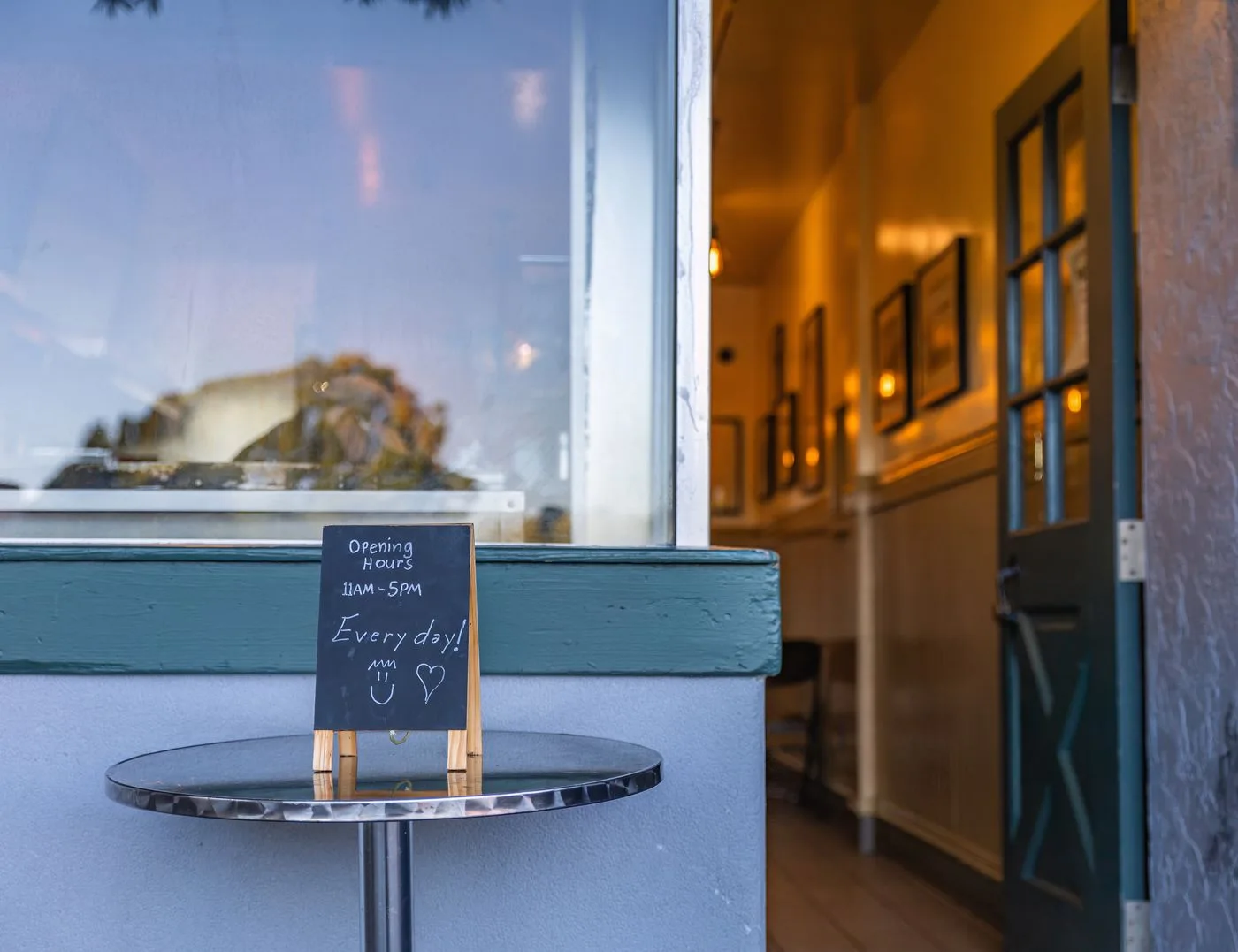
Opening hours often appear in several places: the website, a business profile, the door and appointment messages. A change helps only when the customer-facing records agree. One corrected entry beside three outdated versions can still cause wasted visits.
Start with the hours that actually apply. Distinguish shop opening, telephone availability, collection and appointments by arrangement. These windows may differ. A single broad heading can make visitors assume every service is available throughout every listed hour.
Separate the weekly pattern from exceptions
Keep the regular weekly schedule distinct from individual closures. A public holiday, stocktake or business holiday is not a new permanent Monday setting. Where a system provides special hours, use the relevant mechanism for exceptions.
Google's help on special hours explains exception handling in Business Profile. Review the current implementation when maintaining those details. The website still needs corresponding changes; a profile does not automatically replace its information.
A longer closure raises additional questions. Will email be read? Can orders be collected? Are existing appointments affected? A simple “Closed” message does not distinguish these situations. State only arrangements the business has actually made.
Distribute changes through a small routine
Assign a responsible person and list the places to check. For a planned change, that person can confirm the period, update public information and inspect the visible result afterwards.
Include older supplementary wording in the review. The contact page may show the revised schedule while a banner still announces an earlier exception. Photographs containing printed hours can also become outdated and are harder to maintain than ordinary text.
For multiple languages, both versions need the same dates and conditions. Use understandable date and time formats. Numeric dates can be interpreted differently internationally; writing the month name can prevent ambiguity for important one-off arrangements.
Walk through special cases
Check a shortened day, a fully closed day and the return to the normal schedule. Can a visitor determine which entry applies on each date? Does the ordinary state return after the holiday without an obsolete notice remaining visible?
For appointments by arrangement, explain how that arrangement is made. An available contact route is not the same as a confirmed appointment. If unannounced visits are impossible, put the condition near the address.
Inspect the mobile presentation as well. A wide weekly schedule should not clip days off the screen. If a photograph of the entrance is used, provide the hours as readable text too. This keeps the information accessible and easier to update.
Maintenance is not complete when somebody presses Save. Review the published details from the customer's perspective and record the next known special date. That makes updates predictable rather than dependent on complaints about contradictory information. If an external platform has not yet reflected a change, distinguish that pending state from the details already corrected on your own website and continue monitoring the specific discrepancy.