A customer relationship system does not become useful by containing as many fields as possible. It helps when the responsible person can understand the request, identify who must act and see what happens next. Start by describing the journey of an enquiry, then derive the necessary information from that process.
Consider a small business that prepares individual quotations. A request arrives, details are clarified, a quotation is sent and the opportunity eventually becomes an order or ends without one. The record should support that sequence. It does not need every detail that could theoretically be collected about a contact.
Separate the contact from the project
One person can have several projects. Where the tool supports it sensibly, distinguish contact details from individual enquiries or opportunities. Otherwise, a new quotation can overwrite an old history, or a telephone change must be repeated across several copies.
A contact may initially need only a name, an organisation where relevant, and the contact method actually required. The project can contain a short description, arrival date, responsible person and status. Collect information needed for handling or a justified analysis. Do not place additional sensitive details in free-text notes simply because the field is available.
Tie statuses to decisions
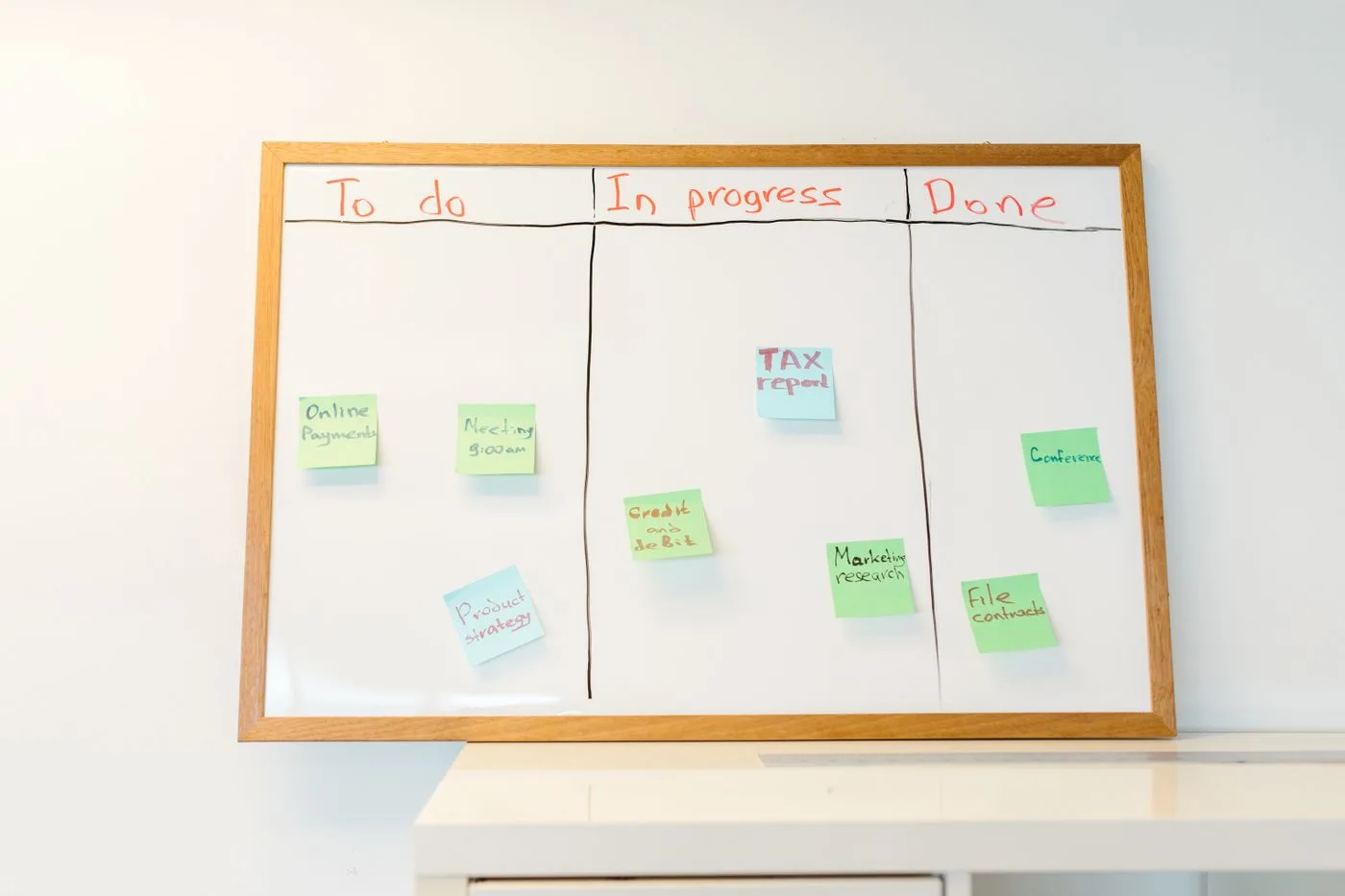
Choose a small number of states with clear meanings. “New”, “awaiting information”, “quotation sent”, “won” and “closed without an order” can describe a simple quotation process. Another business may need different stages. Each label should represent an identifiable working situation.
Define what triggers a transition. Does “quotation sent” mean that a file was created, or that it was actually delivered to the prospect? That distinction prevents a record from appearing complete when nobody has replied to the customer.
Avoid several overlapping states such as “active”, “being processed” and “in progress”. They make selection harder without clarifying the next action. A specific outstanding task often communicates more than another status label.
Make the next action visible
A next-action field and due date can be more valuable than a lengthy history. Write “request the missing room photograph” rather than merely “follow up”. The owner should understand which information or decision is still needed.
Agree on a rule for dates. An internal reminder differs from an appointment promised to a customer. Keep that distinction visible and do not automatically create external commitments because a task happens to have a date in the system.
An unassigned record is another common failure. Decide who checks new arrivals and what happens when the usual owner is absent. A technically complete record can still be neglected if responsibility is unclear.
Start with a small sample
Enter a few representative records that the business may legitimately use, or use test data. Try a new contact, an outstanding question, several projects for one person and a completed case. Can a colleague covering the work understand each next step? Can incorrect or duplicate entries be corrected?
Then assign responsibility for maintenance, access and retention. Test an export early to confirm that the necessary fields and relationships remain understandable outside the tool. Expand the structure only when a recurring, concrete question cannot be answered with the existing fields. The system should grow with actual needs rather than with every suggestion for another box to fill in.