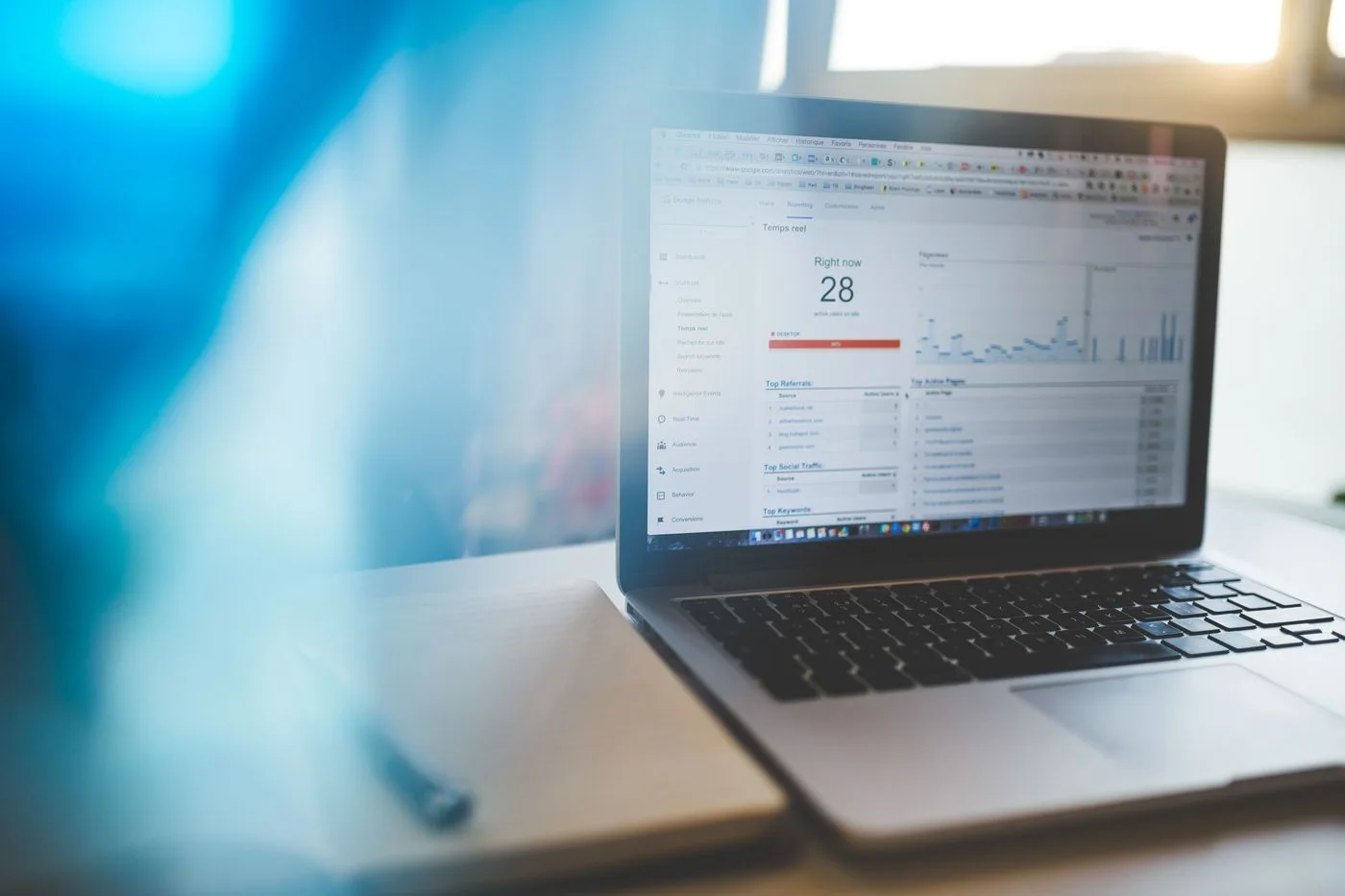
Search Console becomes easier to use when you do not begin with every metric at once. Start with a concrete question, such as: “Did the revised service page receive more Google Search clicks across comparable periods?” That identifies the page, dates and information relevant to the investigation.
A broad instruction to review SEO performance combines technical access, search demand, visibility and actual customer enquiries. The tool can inform several of those areas, but it does not automatically answer every business question.
Define the scope
Record the exact page and the date of any relevant change. Choose comparison periods whose length and composition make sense. A holiday week should not automatically be interpreted like an ordinary working week. A previous-year comparison may help with seasonal offers if the underlying service remained comparable.
Confirm that you are using the intended website property. Different domains or property variants can cover different data. Record the choice so a later report does not accidentally use another scope.
The official Performance report introduction describes the available metrics and dimensions. Consult current documentation for controls rather than relying on an old screen position. For interpretation, what matters is which filters are actually active.
Examine one dimension at a time
Start with the page concerned, then inspect the queries associated with its appearances. Device or country can subsequently help narrow a difference. Combining several restrictions immediately can leave very little data.
For each comparison, record what remained constant and what changed. A different search type or grouping can change what the numbers mean. Two similar-looking charts are not necessarily directly comparable.
Do not treat one manual search as a contradiction of the entire report. Your personal results can depend on location, timing and other circumstances. Conversely, the report does not reveal every individual search in full detail either.
Separate observations from explanations
“Clicks fell during the selected period” is an observation. “The new heading caused the decline” is an explanation requiring further examination. Demand, competition, seasonality and other changes can also matter.
List plausible causes before selecting one. Check obvious technical and editorial points. Is the page still accessible? Has it moved? Does its content match the question? Did other pages change simultaneously? A report becomes more useful when it supports the next investigation rather than prematurely declaring a cause.
With small numbers, individual clicks can produce large percentage changes. Show absolute counts alongside percentages. A fall from two clicks to one is mathematically substantial but provides little basis for a complete redesign.
Finish with a bounded next step
Record the finding, uncertainty and next action briefly. A broken link may need repair, or an unclear paragraph may need revision. More comparable observation time may be necessary. Not every session needs to end with a website change.
Save the selected view or document its filters so another person can reproduce the assessment. After a change, revisit the same question. This creates a traceable working method rather than selecting different figures each month and constructing a new explanation around them. Keep enquiries and sales in their own operational records so search visibility is not automatically reported as business revenue.